
內容表格
沒有標頭TS-O-Matic ===> 選擇 Denmark ===> 選擇 Start again ===>看到下面的畫面就可以開始製作了
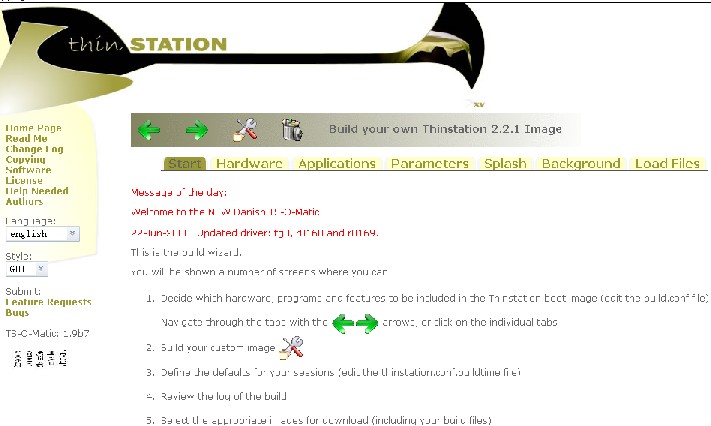
選擇自己需要的 Hardware、 Applications 等等進行製作
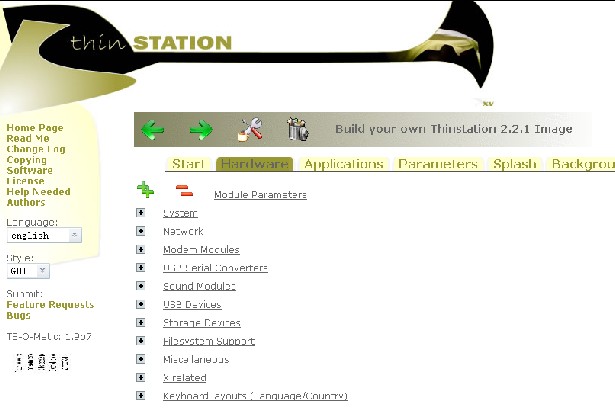
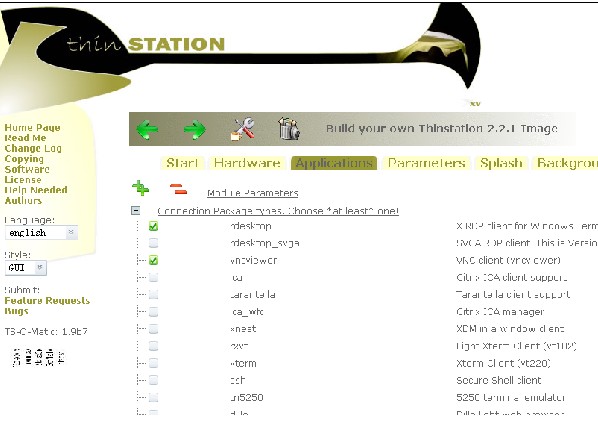
選擇好了以後就可以點選 Build  進行保存
進行保存
保存以後會出現確認信息,然後就可以 write image 了
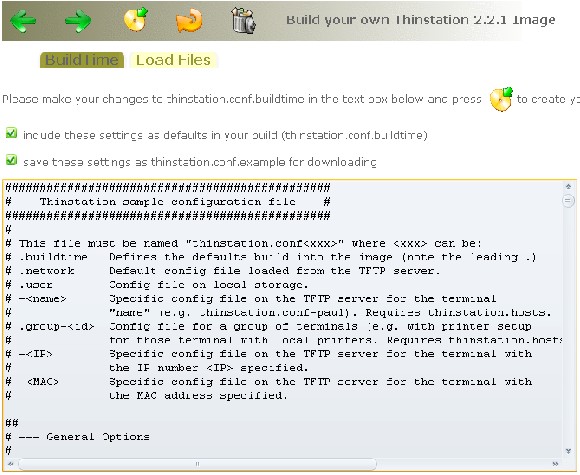
出現下面的畫面就表示製作成功了!
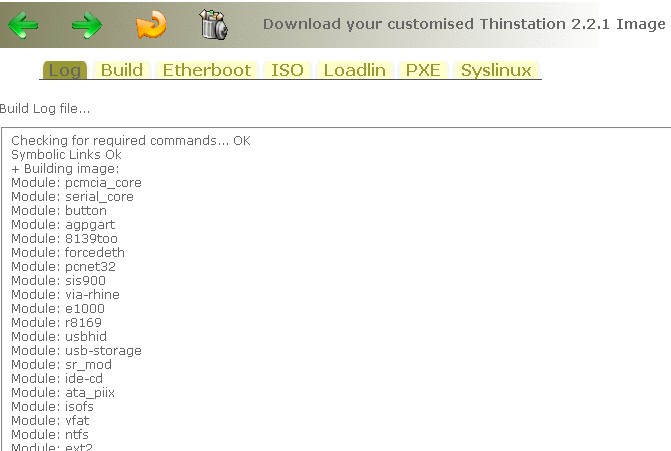
切換到 loading ,下載4個file
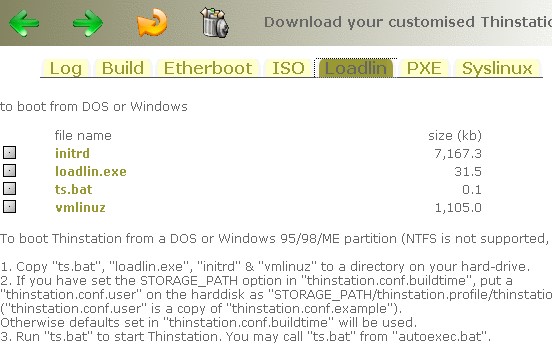
下載好文件后,就可以在 i-Opener 上面進行實體安裝了!
可是在 i-Opener 安裝的時候出現了如下錯誤訊息:
Uncompressing Linux ...
invalid compressed fornat (err=2)
--System halted--
- Was this page helpful?
- 標籤 (Edit tags)
- 什麼連接到這裡

| Images 0 | ||
|---|---|---|
| No images to display in the gallery. |
您必須 登入 才能發佈評論。
Powered by MindTouch Core